Check this OUT !!!

Thursday, October 11, 2012

BenQ XL2420T now with DotA 2 support


BenQ XL2420T now with DotA 2 support


DOTA 2 is now one of the top games played in the scene, most people believe that DOTA 2 will eventually takeover its predecessor. Countless tournaments, and one of the Biggest Prize pools ever has strengthened this believe so much that Teams formed here and there. We can safely say that DotA 2 is not about to go anywhere.
Most of us dream of playing internationally or competing with world-class athletes. You want to practice day in and day out but sometimes you just can't do it because your eyes won't let you. It's not just about the skills. You need to take care of your self.
Players were stopped on their tracks due to fatigue and dizziness while playing. It's because the eyes are too tired of playing and it's not comfortable on what it sees.
We at Mineski along with BenQ want to help Filipino players achieve their dreams! Which is why BenQ has worked so hard to give you the most comfortable gaming environment available.
Monitor setting, unknown to a surprising amount of people, is one of the most important things to configure when playing a game. You're reacting based on what you see and thus you should make your monitor as comfortable as possible to the eye.
BenQ and Mineski proudly presents you the Best Monitor Setting for playing DOTA 2.
Calibrated by BenQ and fine-tuned by Mineski players, the DOTA 2 Mode features the best available visual display setting for boosting your gameplay, supporting your eye and giving you a winning edge against hardcore gamers like yourselves.
Having actually practiced and battled using the XL2420T, Mineski players gave their two cents on whipping together the winning formula for DOTA2 Mode:
Brightness: Adjusted to make the eye as comfortable as possible, even in a darkened room, with no detail is missed from the game.
Contrast: Fine tuned for optimal viewing on the “fog of war” so it is visible while keeping with your map awareness.
Sharpness: For texture enthusiasts or players with a unique preference on sitting position, sharpness setting of this DOTA 2 mode is just right for close-up viewing.
Black eQualizer (The best feature only available to BenQ Gaming Monitors): Mineski players finds this feature to optimize the values above even more in an intelligent manner, so with DOTA 2 Mode we’ve made sure  Roshan on both the main viewer of Dota 2 and in the mini map pop out more while maintaining the visibility of fog of war.
No need for manual settings. All you need to do is download the setting at the BenQ website here and look for the DOTA 2 settings.
Try it and have fun with the best monitor setting for your favorite game brought to you by BenQ

Monday, October 1, 2012

Zowie Celeritas Gaming Keyboard


Zowie Celeritas Gaming Keyboard


pic4


CELERITAS (MX red)

SRP RM490


Full product description:


The ZOWIE CELERITAS is a groundbreaking mechanical keyboard designed for competitive gaming. This ZOWIE CELERITAS features 18K gold-plated Cherry MX red switches and nylon key caps.


Developing competitive gaming gear which satisfies demanding gamers through various game-genres such as FPS, RTS and Racing games is a challenge. To overcome this challenge, the ZOWIE CELERITAS was developed in cooperation with professional gamers Abdisamad 'SpawN' Mohamed, Young Ho 'Flash' Lee and Ho Jun 'Ho-Jun' Moon.


When the keyboard is plugged in the logo will light up in a red color, when the windows key function is turned of this logo switched to a blue color instead.


The ZOWIE CELERITAS features the newly developed ZOWIE RTR™ technology which allows the user to define the repeat-response of their presses to be 1x, 2x, 4x or 8x of the normal repeat-response for a keyboard. Gamers are able to gain a higher responsiveness from their keys with ZOWIE RTR™, which means they can increase their APM in RTS-games, or increase the pace of movement in some FPS- and racing-games. The F9 to F12 keys lets you change the RTR (Real time response) technology. That means that you can change the repeat response for your keys with 1x, 2x, 4x and 8x. This allows you as a gamer to gain higher response from the keys and this way increase movement and APM (actions per minute) in RPS games for example.


The “Zowie” button commands are the following:


Windows key On/Off: Push the Zowie key and the windows button to either turn it on or off.


Use of secondary options on F buttons, (media keys): Hold in the Zowie key while doing the action.


To use the RTR function you need to plug in the Ps/2 connector for this function to work. When its plugged in you can hold down the Zowie key and then choose your speed.


The ZOWIE CELERITAS has just 0.2 second response-time, which is the fastest for any mechanical keyboard on the market. It supports all keys anti-ghosting through PS/2 and 6 keys through USB. To avoid accidently hitting the Windows key, we developed a function to define the Windows key as Ctrl, allowing RTS-gamers to increase their reach and APM.


25 words:


ZOWIE CELERITAS Red is a groundbreaking mechanical keyboard with 18K gold-plated Cherry MX Red switches. With just 0.2 seconds response-time it is the fastest mechanical keyboard on the market.


50 words:


The ZOWIE CELERITAS Red is a groundbreaking mechanical keyboard with 18K gold-plated Cherry MX Red switches. It is developed for competitive gaming with just 0.2 second response-time, which is the fastest for any mechanical keyboard on the market. ZOWIE CELERITAS gives you unique functions, such as the ZOWIE RTR™ technology, to optimize your gaming experience.


100 words:


The ZOWIE CELERITAS Red is a groundbreaking mechanical keyboard with 18K gold-plated Cherry MX Red switches. It is developed for competitive gaming with just 0.2 second response-time, which is the fastest for any mechanical keyboard on the market. ZOWIE CELERITAS gives you unique functions, such as the ZOWIE RTR™ technology, to optimize your gaming experience.


To ensure the best performance from ZOWIE CELERITAS in a variety of games, it was developed in cooperation with professional gamers Abdisamad 'SpawN' Mohamed, Young Ho 'Flash' Lee and Ho Jun 'Ho-Jun' Moon.


ZOWIE CELERITAS offers full anti-ghosting through PS/2 and 6 keys through USB.


Features of ZOWIE CELERITAS

General functions

• 6 keys Anti-Ghosting through USB

• 18K Gold Plated mechanical switches and USB connectors

• Ability to change the "Windows"-key to "Ctrl"

• Multimedia controls

• Highly durable metal inner chassis

• Ergonomic design saves space and offer full comfort during use

• Connector: USB / PS2 (by USB to PS2 converter)

• Cable Length: 1.8m / 5.8 ft.

PS/2 functions

• Full Anti-Ghosting with PS/2

• ZOWIE RTR™ technology provides 4 levels of repeat-response (normal, 2x, 4x, 8x) - PS/2

Availability: 10th of December 2010.

MSRP: 119,90 EUR SRP RM 490 at Malaysia


Dimensions:

Width: 44 cm

Length: 16 cm Height: 2,5 cm


Sunday, September 30, 2012

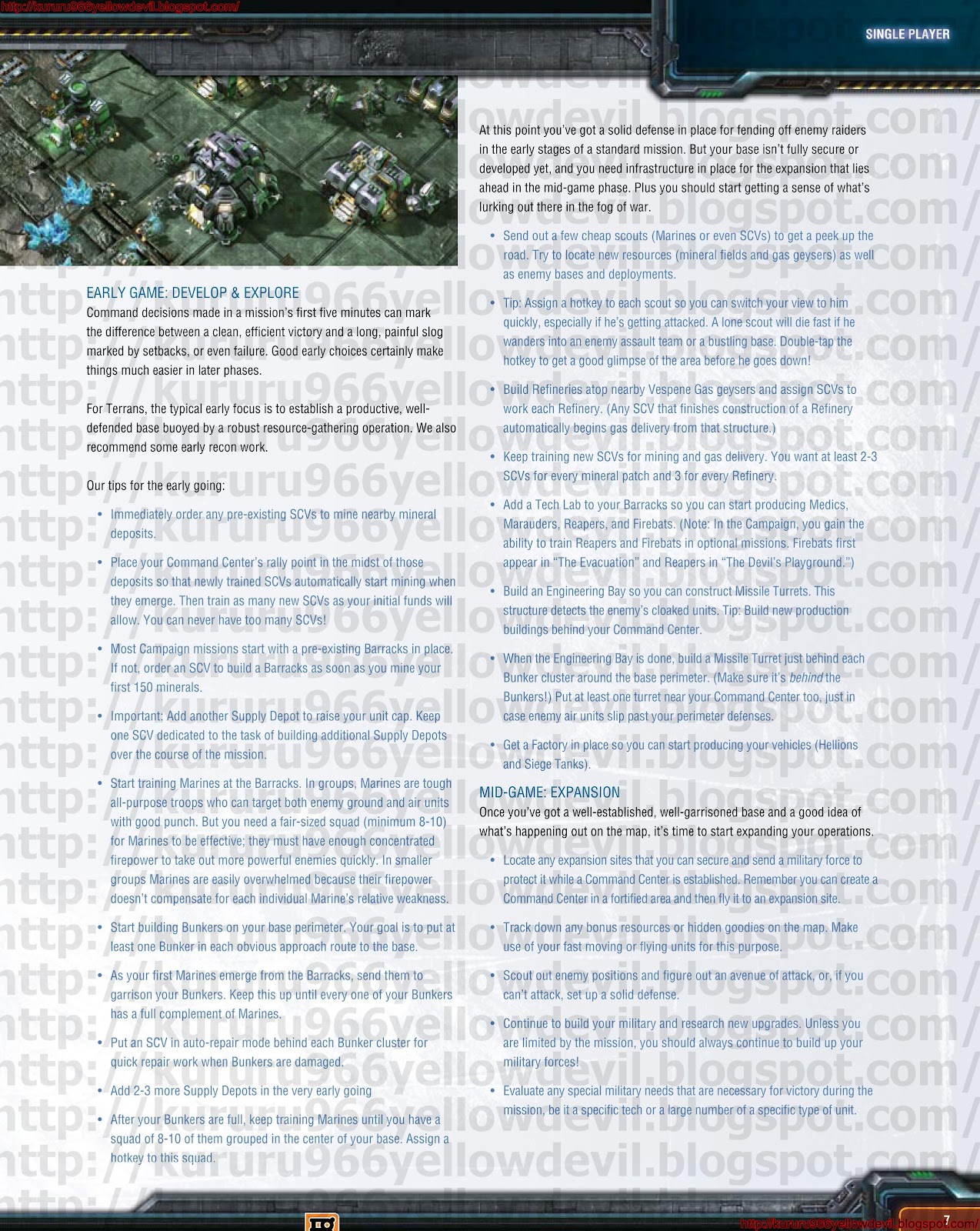
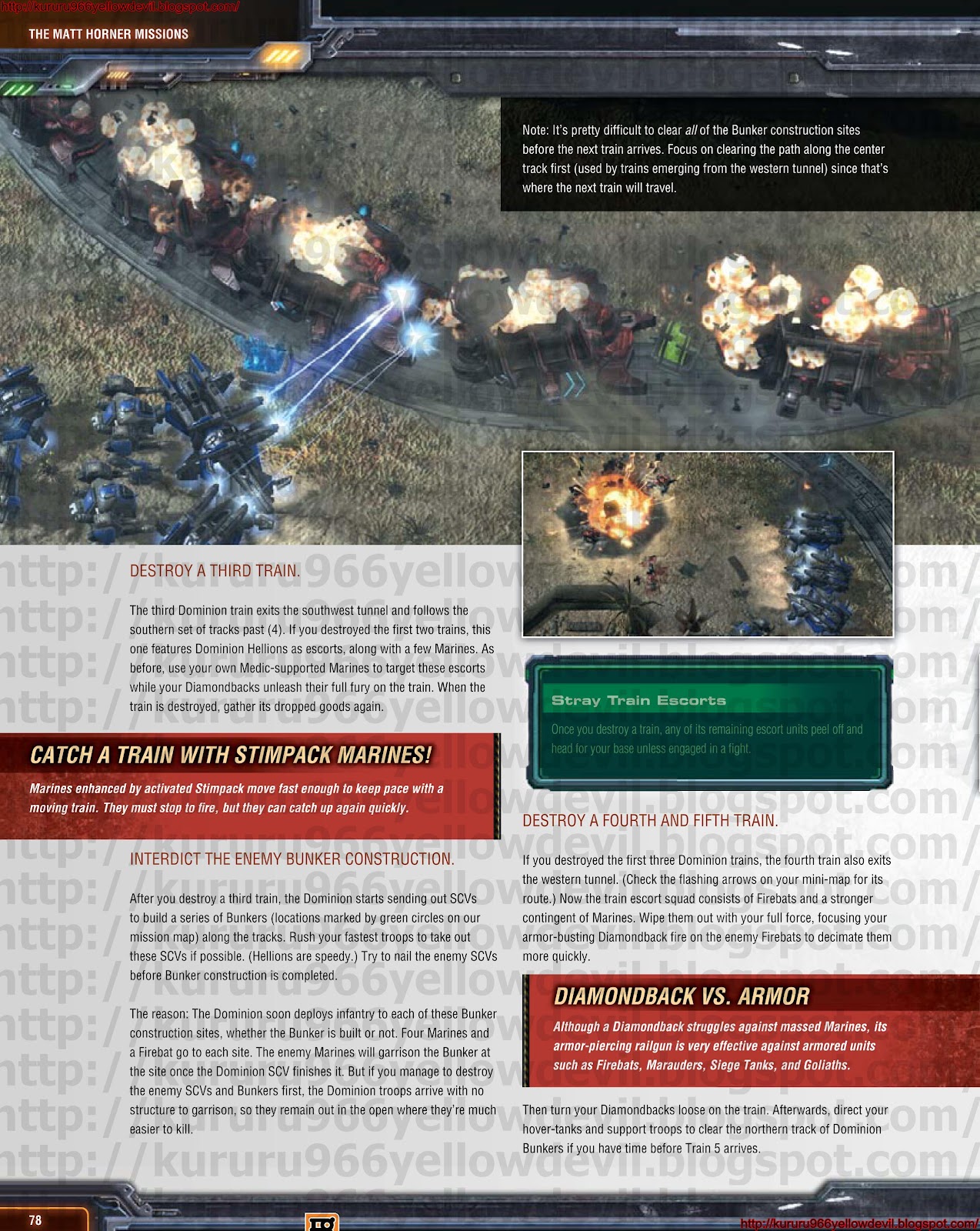
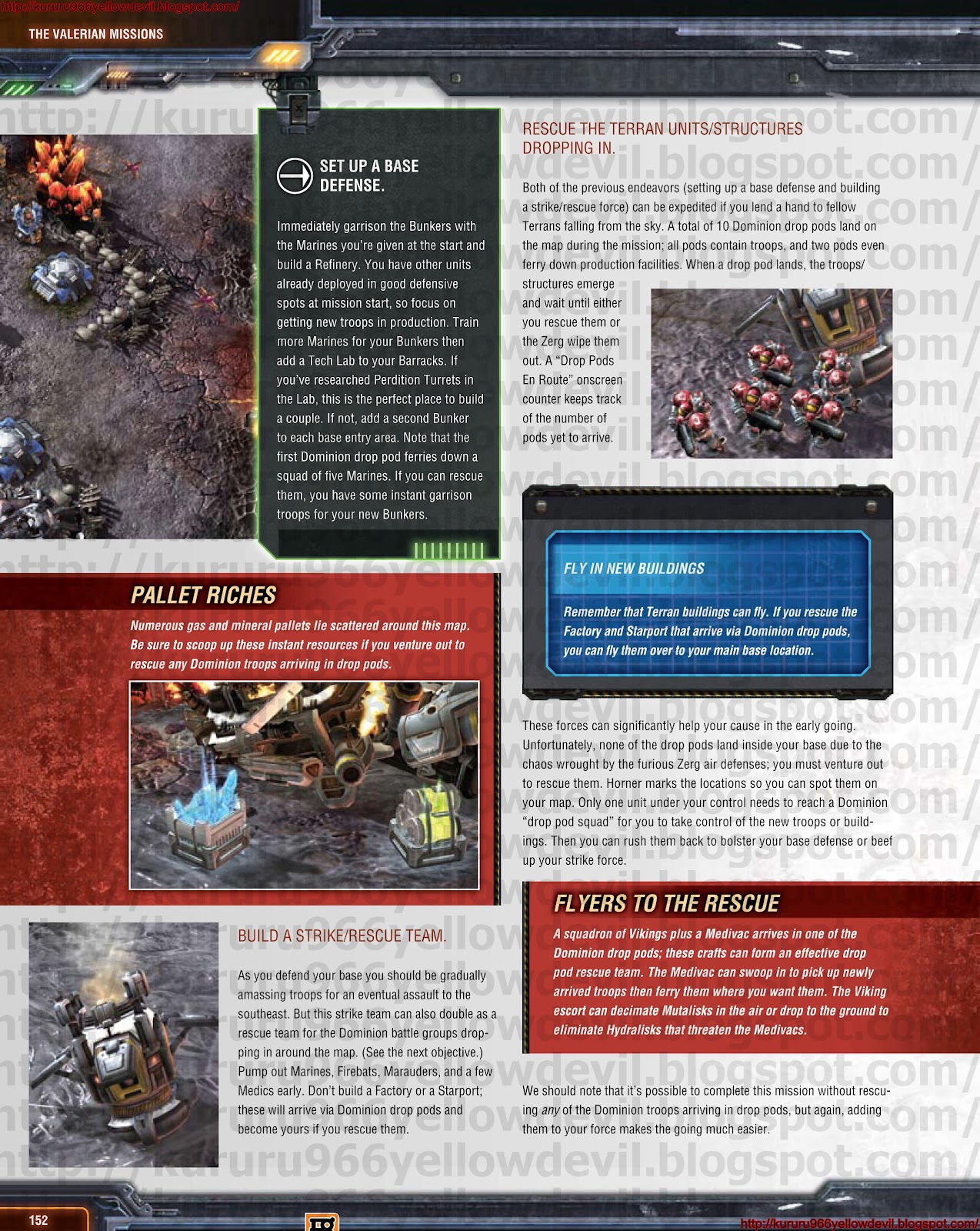
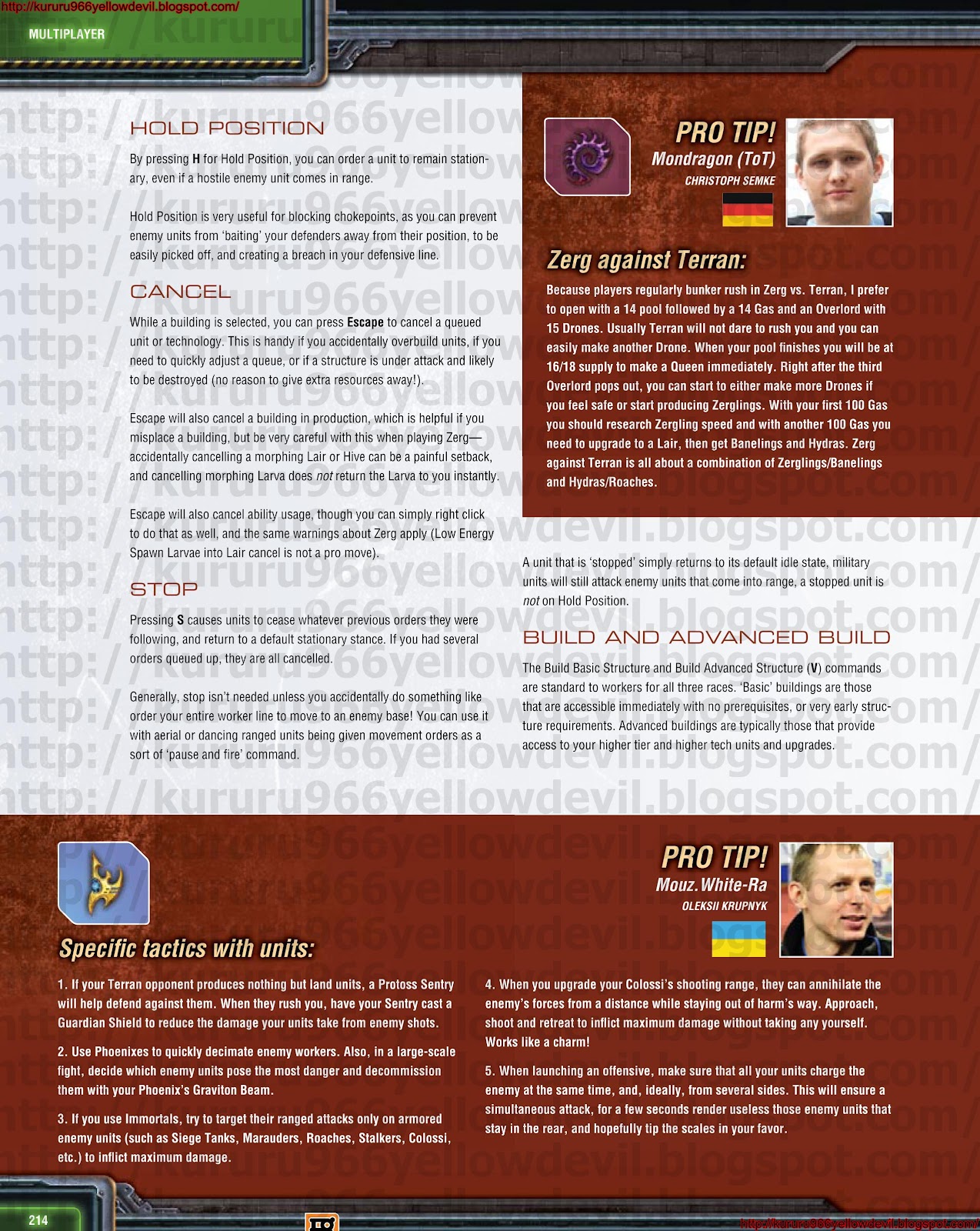
Starcraft 2 RTS Guide

If you know much about the real-time strategy game "StarCraft II," you may have heard a term that will sound completely bizarre to people outside the video game world: A.P.M.

It stands for Actions Per Minute, and it refers to the number of keyboard and mouse clicks a person can make during 60 seconds of time. The best players tend to average about 200 to 400 actions per minute, said Park Sang-ik, a "StarCraft II" coach in South Korea, which long has been home to the world's best players, who train professionally and can earn six figures.

"I don't think there is a particular way to make your hands move faster," he said.

But don't fret. Coaches say A.P.M. is becoming less important in the competitive "StarCraft" world, particularly as more people jump to the sequel version of the game, from Blizzard Entertainment. And there are plenty of other tips the pros have to offer in addition to making your fingers move like those of Thing, the hand that runs all over the place in "The Addams Family."

South Korea gaming: Skill or addiction?


Open Mic: South Koreans take on gaming


Here are five such tips, compiled from interviews with three of South Korea's best "StarCraft II" players, including MVP, MarineKing and SuperNoVa, as well as their coaches. Test them out and let us know what you think in the comments section below.

1. Finger exercises. Like a piano player practicing scales, pro "StarCraft II" player MarineKing does keyboard runs when he's warming up for a big match. Some of the fidgety exercises he practices are "+a1a2a3a4a5a6a7a8a9a0" and "ASDF ASDF."

2. Mental health. Mental toughness is the most important aspect of "StarCraft II," said Kang Dong-hoon, coach of team Incredible Miracle, home to world champ MVP. Players should clear their minds before they play, he said, and they should visualize their strategies before a match. Such visualization will help players get off to a strong start and finish well, he said.

3. Physical health. It may sound strange, but pro video-gaming teams in South Korea include physical exercise as part of their training regiment. MVP's team runs, swims and lifts weights.

4. Know your enemy. The pros watch tape of their opponents' previous games before entering into a battle with them. Do they strike early? What are their common mistakes? This kind of analysis helps the player come up with a specific strategy to go for the win. Many weak players fall into routines, said Kang, from Incredible Miracle. The easiest way to beat someone is to spot and exploit these patterns.

5. Keep at it. Pro gamers in South Korea live at training centers, where they practice playing video games almost round the clock on some days. All of this practice seems to pay off. South Koreans are regarded as the dominant power in online gaming, particularly the "StarCraft" franchise. Kang said players in the country practice so much that "normal people can't imagine" what it would be like.

Friday, September 21, 2012

BENQ RL2450H

Over the last few years, BenQ has been steamrolling ahead with various products on offer and in the process have been further establishing their name in a market they are already popular in, i.e. computer peripherals. Last year, we saw the BenQ EW2430V, a monitor that superceded our expectations as it featured a VA panel. One of these is the BenQ RL2450H, an LED monitor that is designed for those looking for gaming at a somewhat affordable price. Read on to know more about this offering from BenQ.

SUGGEST RETAIL PRICE
RL2450H – RM910


Unlock the Power, Unleash the Battle
The RL2450H has been co-developed by internationally well-known StarCraft II team, StarTale to give you superior RTS gaming experience. This 24"W LED monitor is packed with the latest features: the Black eQualizer, Height Adjustment Stand, RTS Mode, Display Mode, Smart Scaling, 2ms GTG, HDMI and 12M:1 dynamic contrast ratio. 

http://www.benq.com.my/images/hq/products/product_features/lcdm/top_rl2450h.jpg  

The Collaboration

In the effort to expand its professional gaming monitor line, BenQ joined forces with the world-renowned StarCraft II team, StarTale, to create the all new RL Series. The collaboration delivered competitive gaming monitors that offer top-level gamers an absolute gaming experience for their RTS game play.
The tremendous partnership also led to the creation of cutting-edge features meticulously designed to fulfill specific gaming purposes – particularly to acquire, assess and respond to critical combat information readily. Just as the XL product team worked with the Counter- Strike legends to develop the FPS Mode, the RL product team also worked closely with the StarTale players to fine-tune the RTS Mode, exchanging visits to ensure the display performance of the monitors would improve user accessibility and comfort.
http://www.benq.com/microsite/lcd/gaming/data/HTML/en/img/product/rl/collaboration-gallery-1.jpg


The All New Black eQualizer Gives You Total Visibility

Poor visibility in dark scenes can cost even the most skillful gamers their game. The Black eQualizer color engine technology is designed to offer an unprecedented level of control and visibility. Dark scenes are brightened without over-exposing the bright areas to preserve vital details, enabling gamers to spot their enemies easily in critical combat and react quickly in any situation.

Exclusive RTS Mode Ensures You Would Play Like a Pro

The RTS Mode was co-developed with leading StarTale players to optimize color and contrast exposures for better accessibility and total comfort. This out-of- the-box preset automatically fine-tunes your monitor accordingly for optimum RTS gaming, allowing you to see your enemies more visibly among the distractions and darkened areas. Built to give you the competitive edge, the exclusive RTS Mode will be your ultimate secret weapon.
  http://im.tech2.in.com/gallery/2012/may/benq_rl2450hm_controls_1280x720_181117105383.jpg
Design and Build Quality
If by chance, one happens to glance at this monitor, they are sure to stop for a second look. The monitor has been built for gaming and it is designed in the exact fashion. Dressed in matte black with red highlights, this display is one of the better looking monitors available nowadays. The bezel is not that thick, which gives it a sleek overall appearance, even though it is a fairly large monitor. The bezel features only the logo and apart from it, there are just dots at the bottom right, which show where the controls are. The bezel feels really sturdy, which is a great thing as most monitors that are in the market feature bezels that are made of a lesser quality plastic, as compared to this model.

The controls for this monitor are located at the side and the dots on the front of the bezel do not do much to differentiate between the different options. This is a design feature, which we did not much appreciate as a new user would need to fiddle around with the buttons a bit before getting accustomed to the layout. The only button, which features a denotation on the bezel is the power button. There is also an LED indicator on the button, itself, which actually makes the legend on the bezel rather redundant. The build quality of these buttons, however, are really good and it appears that it can last for the life of the monitor. 


http://im.tech2.in.com/gallery/2012/may/benq_rl2450hm_regular_left_1280x720_181117095554.jpg Connectivity options for the monitor are located at the back and these include ports for D-sub, DVI-D, HDMI and a Headphone Jack. These connectors are downward facing and if one needs to wall mount the monitor, they can flush it easily against the wall. The stand of the monitor is sturdy and it allows one to tilt the angle of the display. This stand is built well, but there is a slight wobble present. The base has been designed a bit differently and it is quite small, but comes with an extension in the front, which is large and it helps in balancing the monitor. The build quality of the entire cabinet is really good and it looks like it can be used for quite a few years without looking shabby.

Features
Judging by the spec sheet, the BenQ RL2450H is loaded with features that would definitely warrant a purchase. It comes fitted with a TN panel that offers a crisp response time of 2ms, which will be great for gamers. This 24-inch monitor features a 16:9 aspect ratio and supports a resolution of 1080p. With support for this full HD resolution, it keeps on par with many of the high-end monitors that presently populate the market.

The user interface of the monitor is designed well and it is one of the better ones that we have seen in the recent past. It is very easy to navigate through and as soon as one gets acquainted with the controls, they can easily maneuver through the different settings. The interface is similar to that on most other BenQ monitors and all the options onscreen are self explanatory, so there is no confusion that arises while navigating through it. There is no lag noticeable as well, while scrolling through the different options.


http://im.tech2.in.com/gallery/2012/may/benq_rl2450hm_base_1280x720_181117103924.jpg
The picture settings are quite detailed as well, as it offers one the option of adjusting various settings, such as brightness, contrast, gamma and a host of others. An interesting feature found here is that one can alter the display mode as well and view content as per different screen sizes at different aspect ratios. This can be useful depending on the aspect ratio of the content that is viewed. BenQ have also added picture modes as well, such as Movie, Photo, RTS, Gamer, Eco and a handful of others, which can be used as quick presets for content based on what is being viewed. Overall, this is a very feature-rich monitor with gaming at its core.

Performance
While testing the performance of the BenQ RL2450H, it was observed that the buttons at the side of the display were extremely responsive allowing one to easily navigate through the OSD. The interface is extremely fluid with no lag noticed, while navigating through it. We calibrated the display using the Spyder3 Elite colorimeter and we observed that the hightest deviation in brightness from the centre point was visible at the top left corner of the screen.

Sunday, September 16, 2012

Games Official Guide


If you want to share, download or want to have a better view, you can use the link below.

CLICK HERE FOR MORE

Free Steam Games Here

Looking for Razer Game Booster Click to Download.

Batman Arkham City Official Strategy Guide
http://adf.ly/CuD5Y 

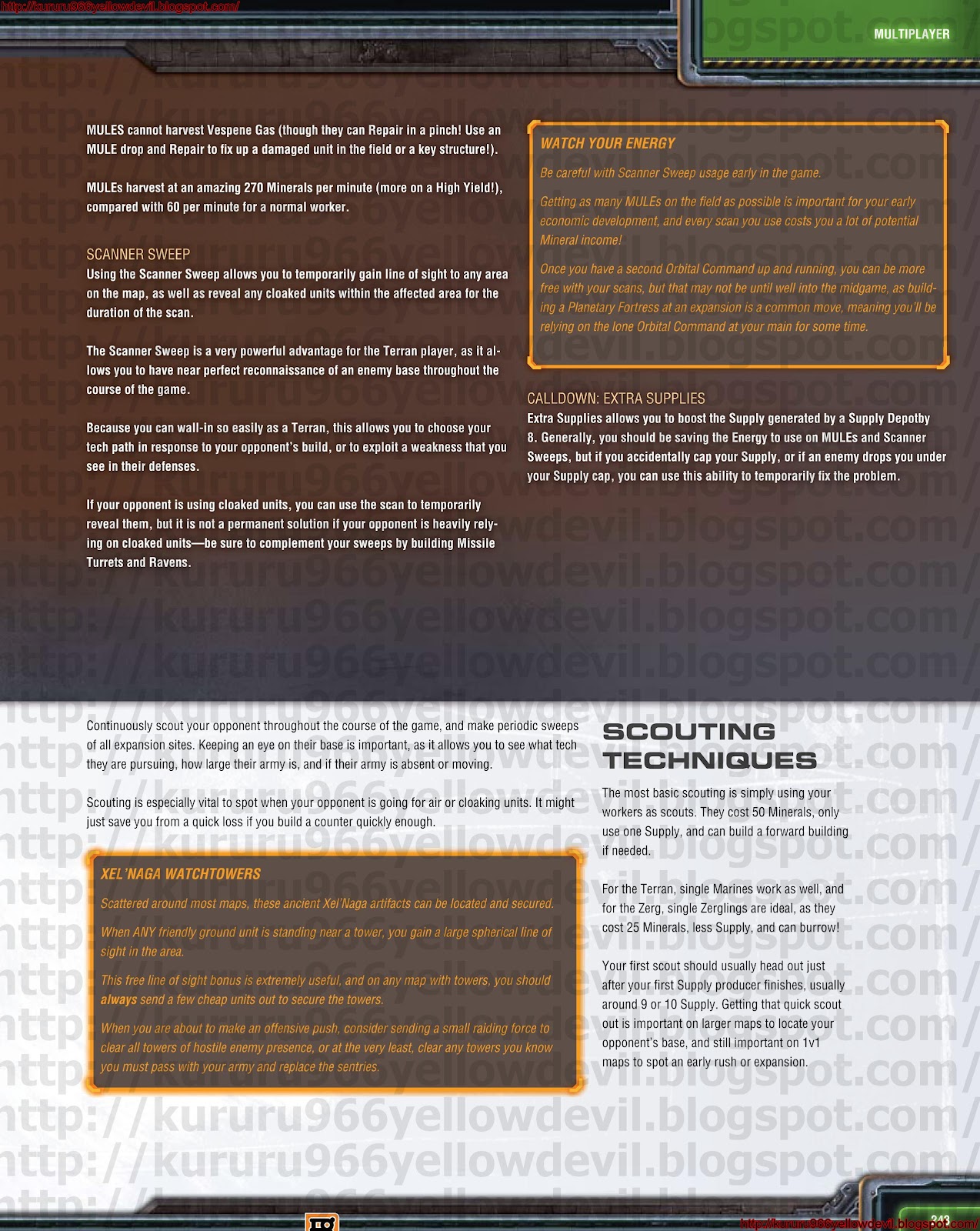
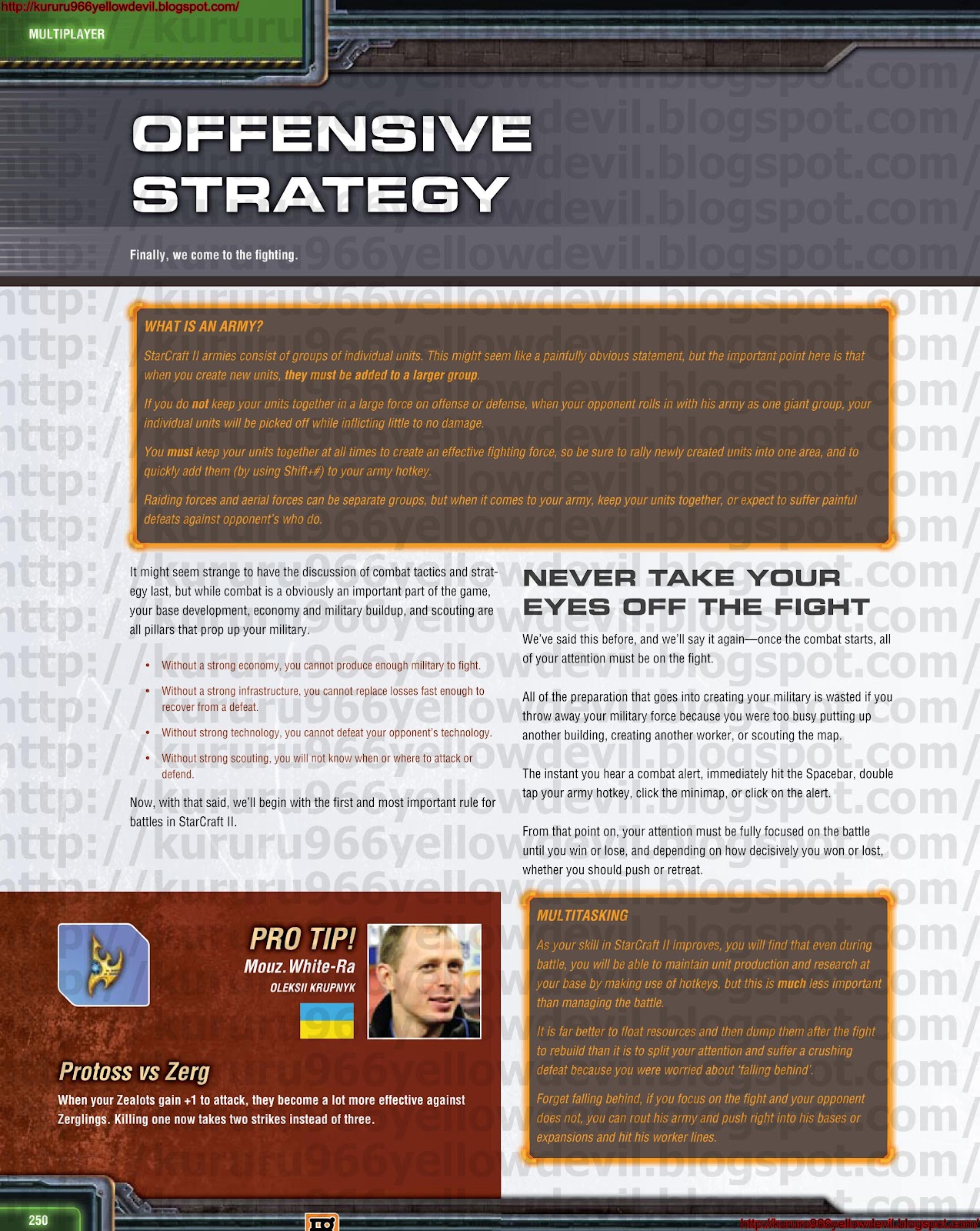
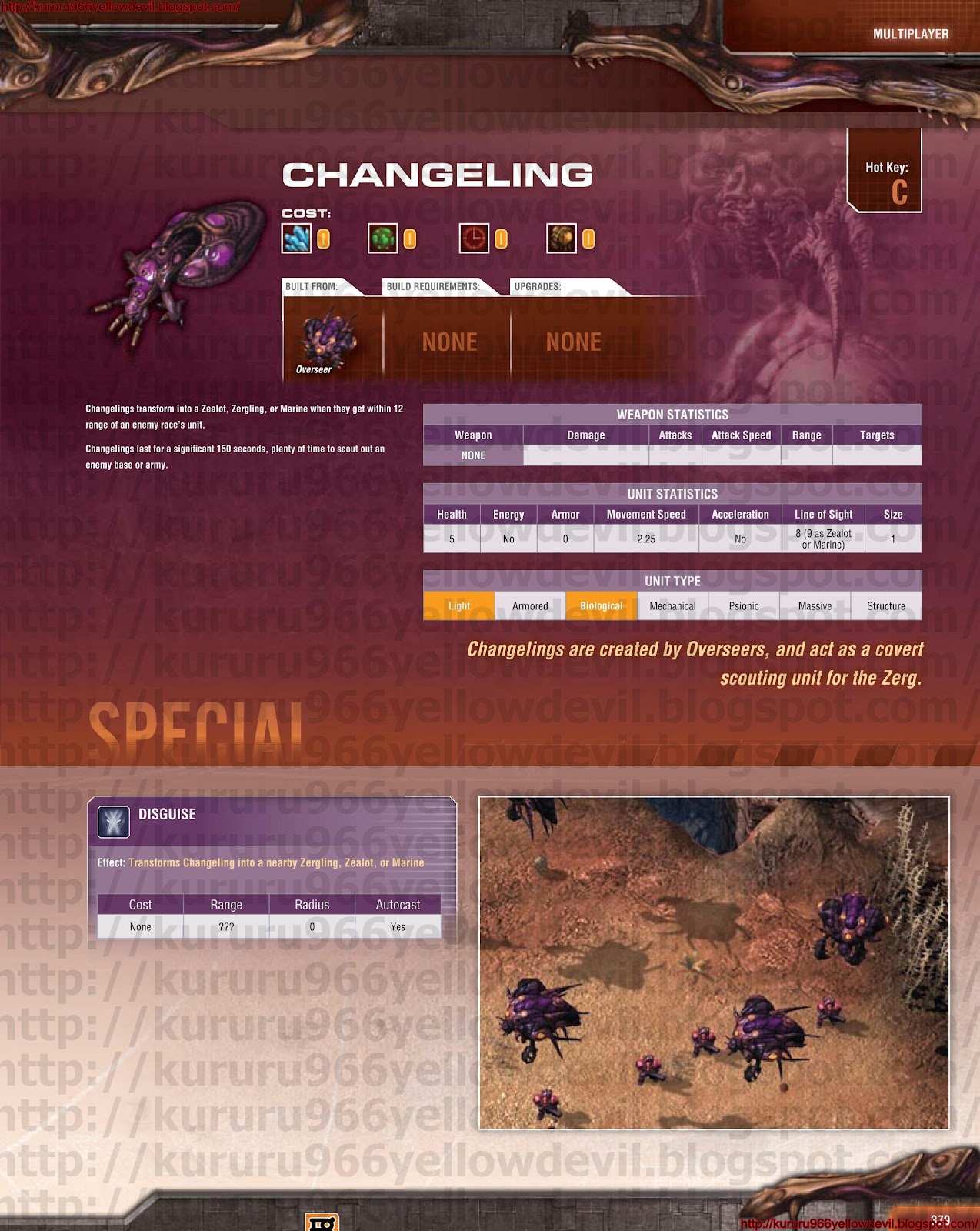
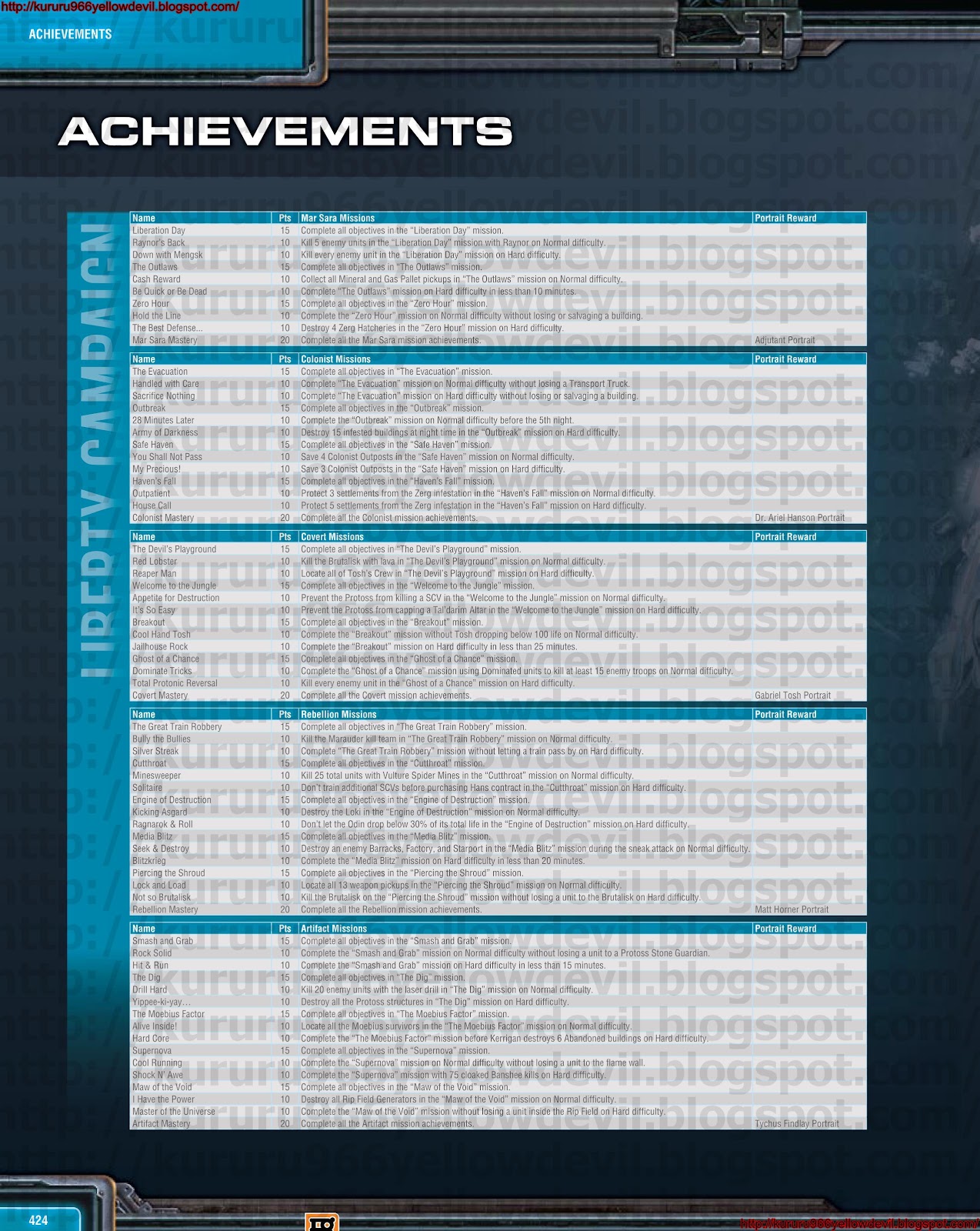
Starcraft II / Starcraft 2 Wings of Liberty Official Strategy Guide
http://adf.ly/Cu9Ps


Guild Wars 2 Signature Series Guide
http://adf.ly/CuEDm


Starcraft Comic Episode 0.rar
http://adf.ly/CuaA5

Batman Arkham Assylum Bradygames Official Guide
Part 1,2 and 3
Part 1 : http://adf.ly/CuaDg
Part 2 : http://adf.ly/CuaGu
Part 3 : http://adf.ly/CuaJc


Some Songs
NERD ALERT - Banelings - Justin Bieber - Baby PARODY ft HuskyStarcraft.mp3


Will update post when there is a new item added.